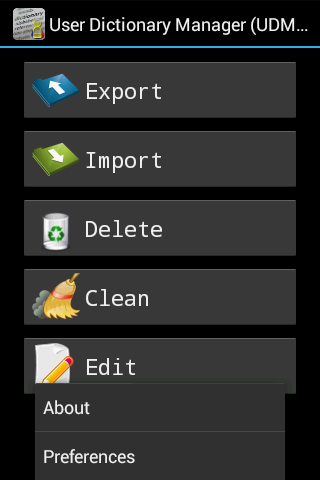
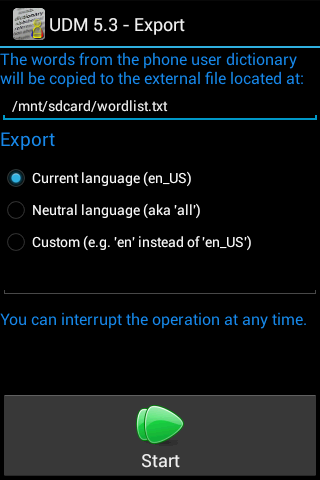
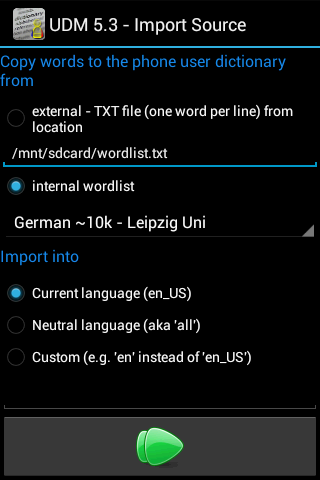
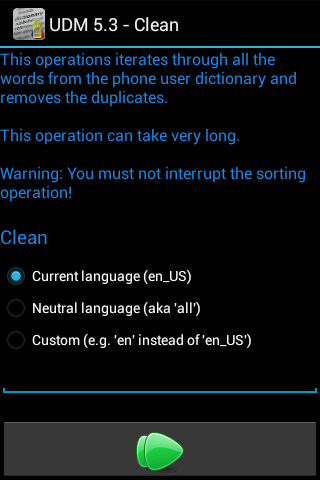
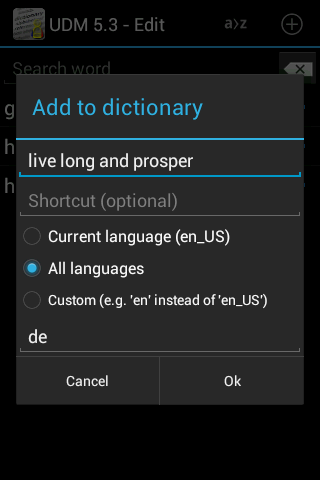
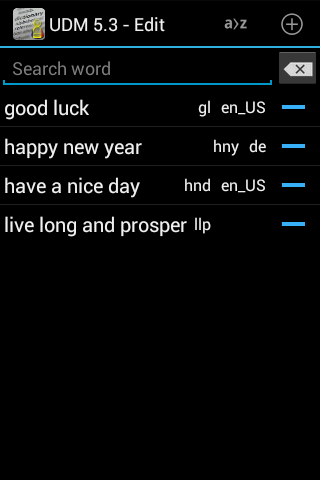
User Dictionary Manager (UDM) is the most comprehensive tool for managing the Android System Dictionary. It gives you absolute control over your custom vocabulary by allowing you to export and import personal dictionaries, edit shortcuts, and manage expressions that integrate directly into your keyboard's native predictions and auto-complete engine.
The Android Personal Dictionary is a database of custom words, names, and shortcuts that your phone uses to power its predictive text and autocorrect. While Android allows you to manage these words, the built-in settings are often hidden deep in menus and only allow for tedious, one-by-one editing.
User Dictionary Manager (UDM) puts you in control of this database. It allows you to bulk-edit your vocabulary, remove annoying duplicates, and provides a reliable way to transfer your custom dictionary between devices. By exporting your words to a file, you can easily import them onto a new phone, ensuring your personalized typing experience travels with you.
If you've ever wondered how to transfer Gboard shortcuts to a new phone or move your Samsung Keyboard personal dictionary without losing years of personalized data, UDM is the answer. It bridges the gap where standard cloud sync for Google Gboard or Samsung Cloud often fails.
UDM is designed to be the ultimate power-tool for Android text input customization:
Install User Dictionary Manager (UDM) from Google Play.
A special build, one where the app has access to the /sdcard/ is found here. This build is not allowed on Google Play because the targetSdkVersion is 29.
This application does not work on some custom ROMs!
It seems some custom ROMs do *not* implement the standard Android framework. If you are experiencing problems and you are using a custom ROM, then please uninstall the application. This is not a developer error, it's a firmware issue. It totally depends on the custom ROM.
User Dictionary Manager (UDM) is a project dedicated to providing power-users with the tools they need to master their Android experience. If you have any questions, bug reports, or suggestions for new features, I would love to hear from you.
If you find UDM useful, please consider leaving a review on the Play Store or sharing the app with others who might find it helpful.
If User Dictionary Manager has saved you time and effort in managing your vocabulary, please consider sharing it with others. Word-of-mouth is the best way to help this project grow and reach more power-users like you.
Thank you for your support in keeping UDM active and improved!
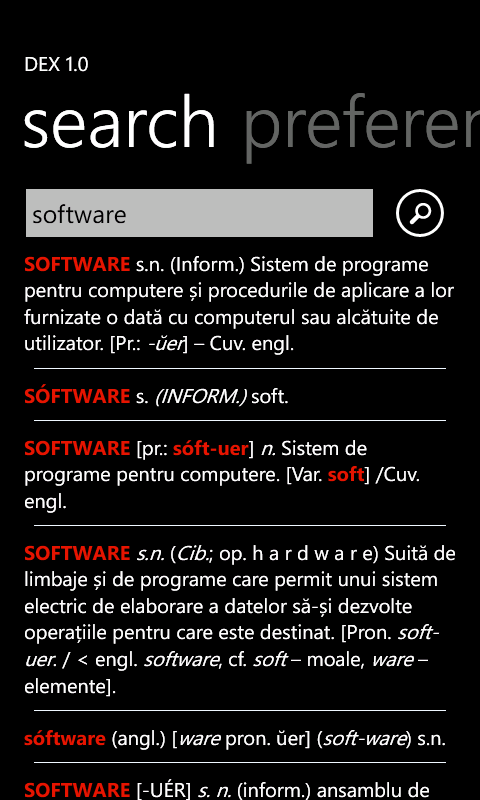
DEX is a Romanian explanatory dictionary for the Windows Phone platform.
The application is the sister of DEX for Android and, being at version 1.6 only, offers fewer features than its big sister :)
Feature enumeration:

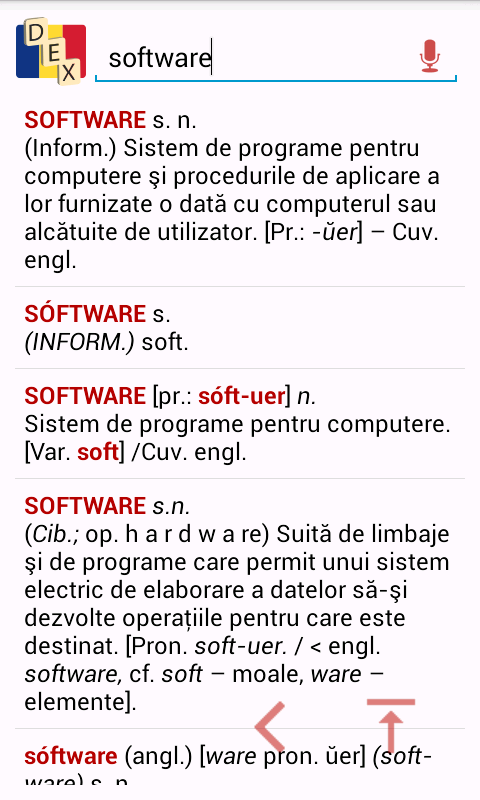
DEX for Android is an offline and online Romanian explanatory dictionary - Dictionar Explicativ Roman - running on the Android platform.
Features:

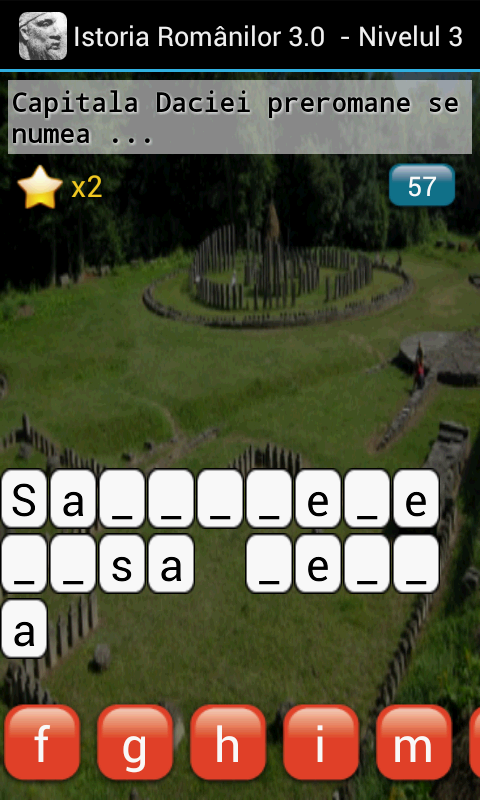
Aplicatia se desfasoara sub forma unui joc interactiv, o combinatie de Spanzuratoare si alte genuri de jocuri.
Utilizatorului i se ofera o intrebare, un indiciu sub forma unei poze cu vizibilitate redusa, iar acesta trebuie sa completeze raspunsul.
Dupa ghicirea corecta utilizatorului i se ofera detalii pe larg ale raspunsului impreuna cu un link catre wikipedia pentru o eventuala studiere mai
aprofundata a subiectului.
Intrebarile acopera o mare parte a istoriei (200 de nivele) si se vor inmulti in versiunile urmatoare.
Subiectele incep din perioada dacica si ajung pana la perioada contemporana.
Aplicatia(doar versiunea pentru Android) este multi-utilizator, deci utilizatorii se vor putea intrece, iar in versiunea urmatoare vor putea incarca cele mai bune rezultate pe internet.
Interfata Istoriei Romanilor este simpla si atractiva, asemenea si efectele sonore care insotesc utilizatorul de-a lungul testului.
Istoria Romanilor se adreseaza unui public incepand de la 12 ani prin simplitatea, caracterul distractiv si nivelul educativ pe care il produce.
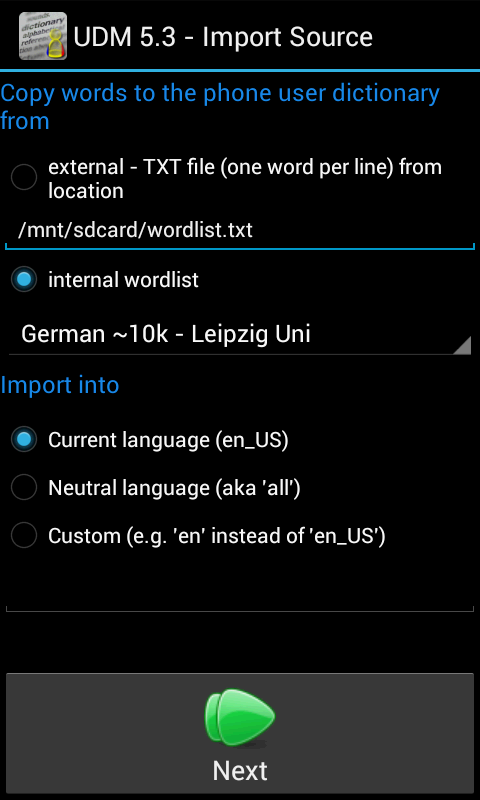
UDM is an application that allows you to edit/export/import/delete/clean the user dictionary words found on your Android phone.
This special version also includes a built in list of approx 2000 most used words/expressions in Romanian and also other languages.
The user dictionary holds the list of words/expressions that assist you in writing SMSes, emails, etc. Your phone allows you to add/delete these words, but unfortunately only one by one.
With the help of the User Dictionary Manager application you can export your defined words and import them on another phone - for example, sharing with friends and collegues.
Copyright © 2013 - 2026 Adrian Vintu